Light phone 3 tweaking - This feels naughty
← Home• views
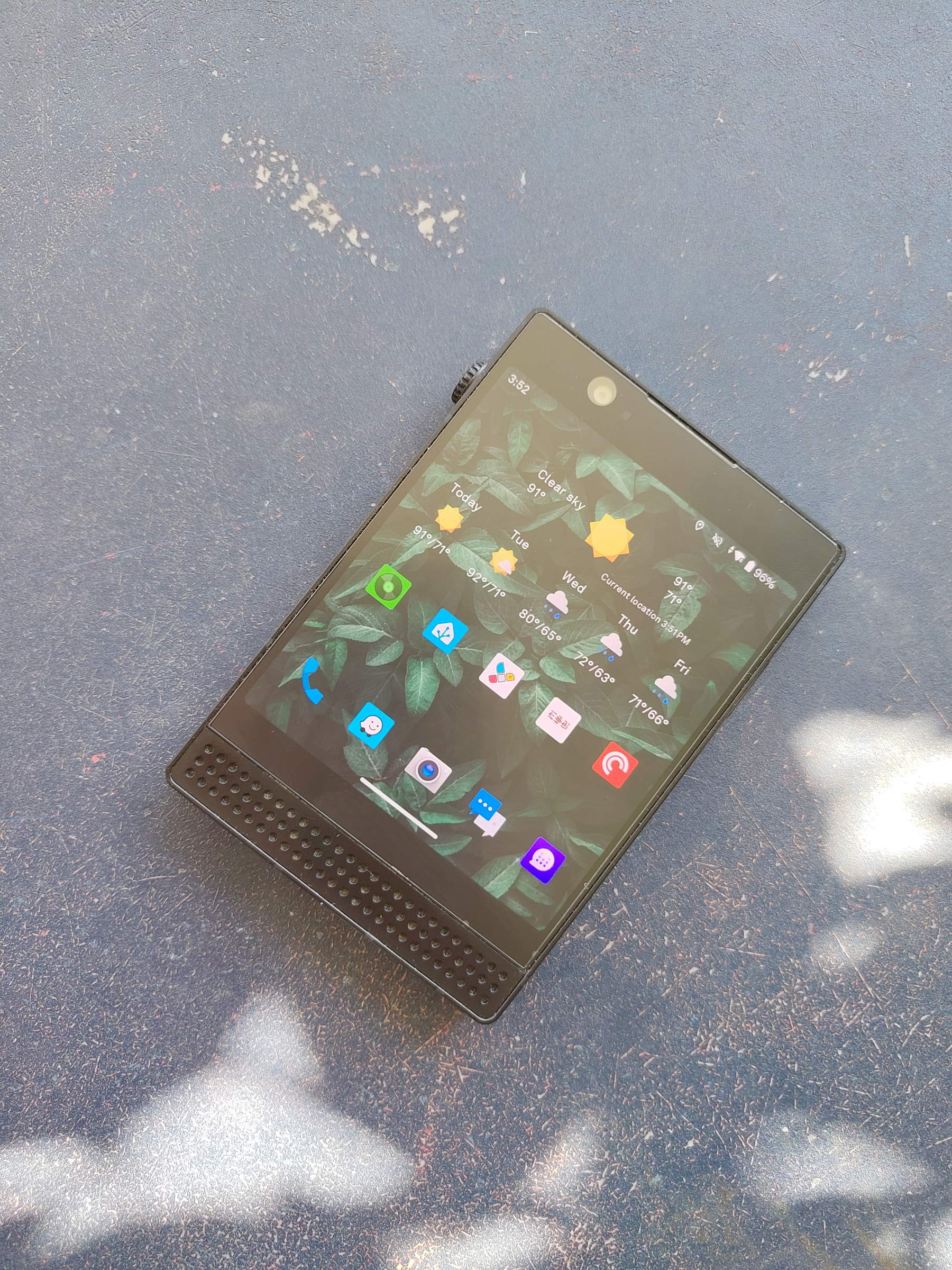 I've used the out of box experience with the light phone 3 for a few unplugged weekends. Absolutely one of the best minimalist phones I've used, and I've used a lot. If this is something you want to dip your toes in, this device is a winner once the price goes down. Having podcasts, navigation, music, and even a camera (old point and shoot camera quality) on a minimal device is a big win. Do keep in mind there no RCS support. The way Google has this implemented requires gapps and the google messages app.
All that being said, due to years of doing things like this, I can take most android phones and strip them down to a minimal phone with a combo of adb and/or non-root adb powered apps.
But first I had to get the light phone 3 back to it’s bones. Since light phone is pretty much just app with forced overlays and defaults, this was very easy. There is a subreddit with a lot of technical steps and way over explainers. the TLDR is you get to the built in Android settings screen through a external keyboard and shortcuts. Once there you can enable adb, disable some of the UI tweaks, then set the aosp launcher to the default launcher.
Once that’s done it’s just a normal, weird shaped Android 14 phone without gapps. (this is a plus for me)
Here is what I did to make this a minimal phone and what I’ve done in the past to others:
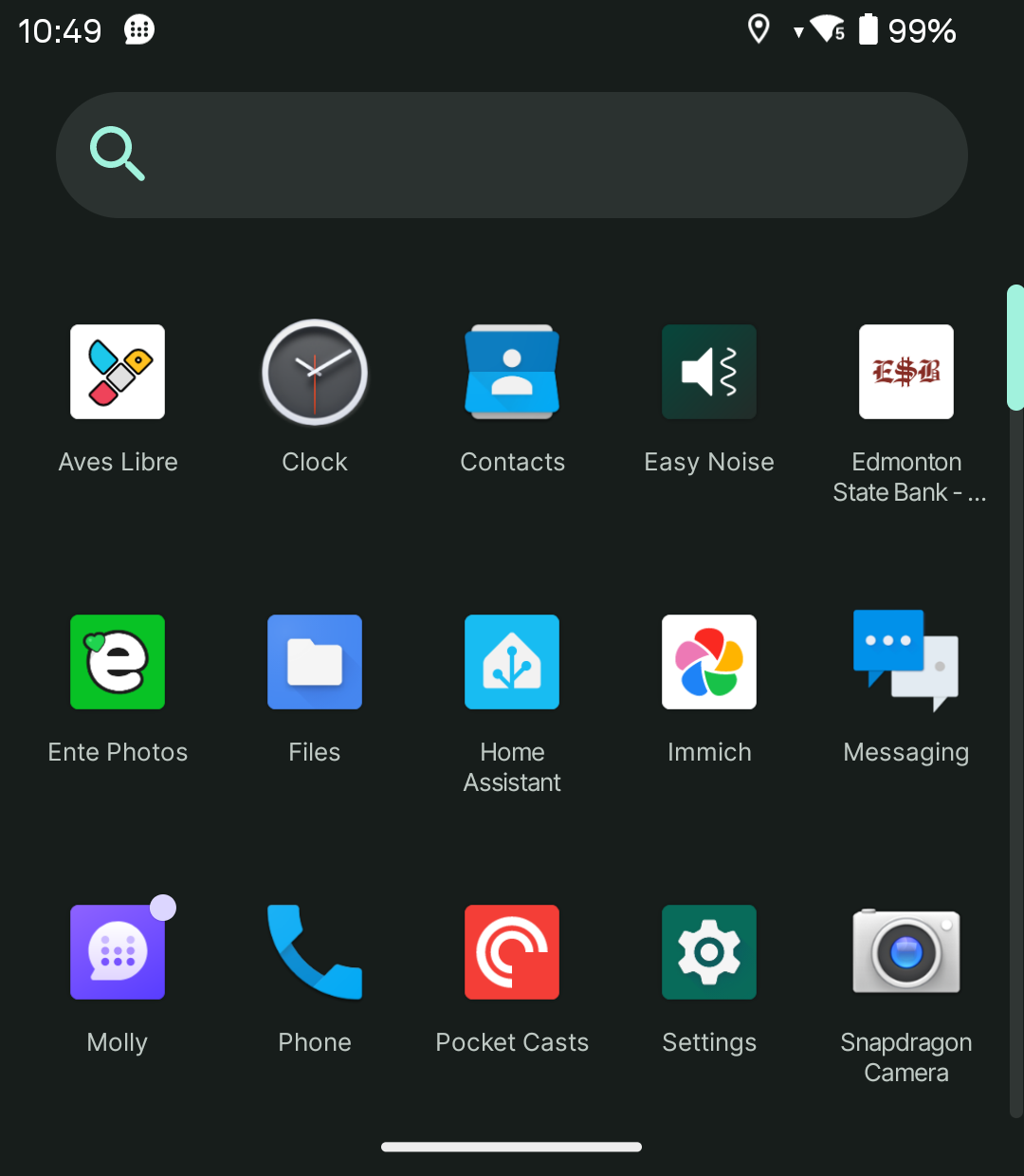
- Install lawnchair launcher - not a requirement but a nice addition depending on the default launcher
- Install Aurora Store - alt to play store
- Install Fdroid Basic - for open source apps
- Install molly via the Fdroid repo - this gives me signal via linking to my main phone.
- Install Avas - gallery
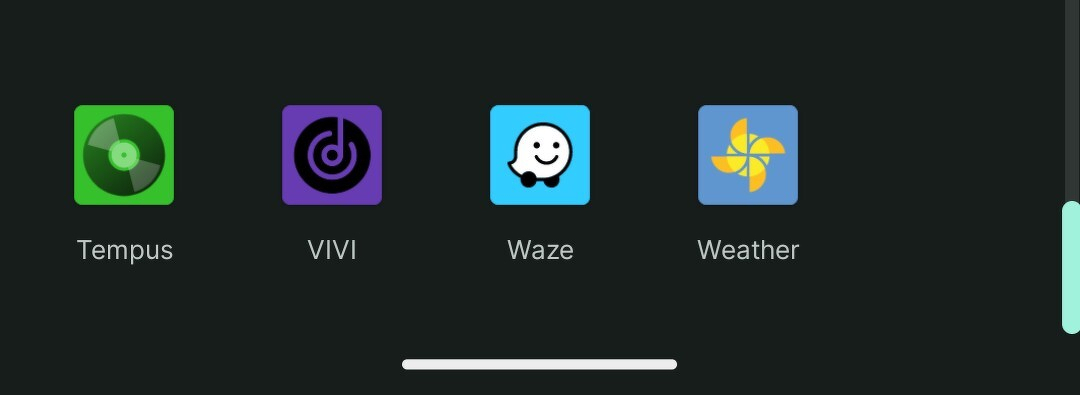
- Install Tempus - Subsonic music, used to access my self hosted music
- Install Waze - Still my go to nav app, a shame google owns them. Here maps is a close second
- Install Vivi - music player for things I don’t have on my music server
- Install Pocket Cast or Antennapod - podcasts
- Install photo backup apps - Ente and immich (self hosted)
- Install Breezy Weather - open source weather app
- Install a few nice to have apps, home assistant, bank app,
- install Shizuka and Canta - this allows me to freeze the browser and app stores when I’m done so I can’t easily just use a browser or add apps.
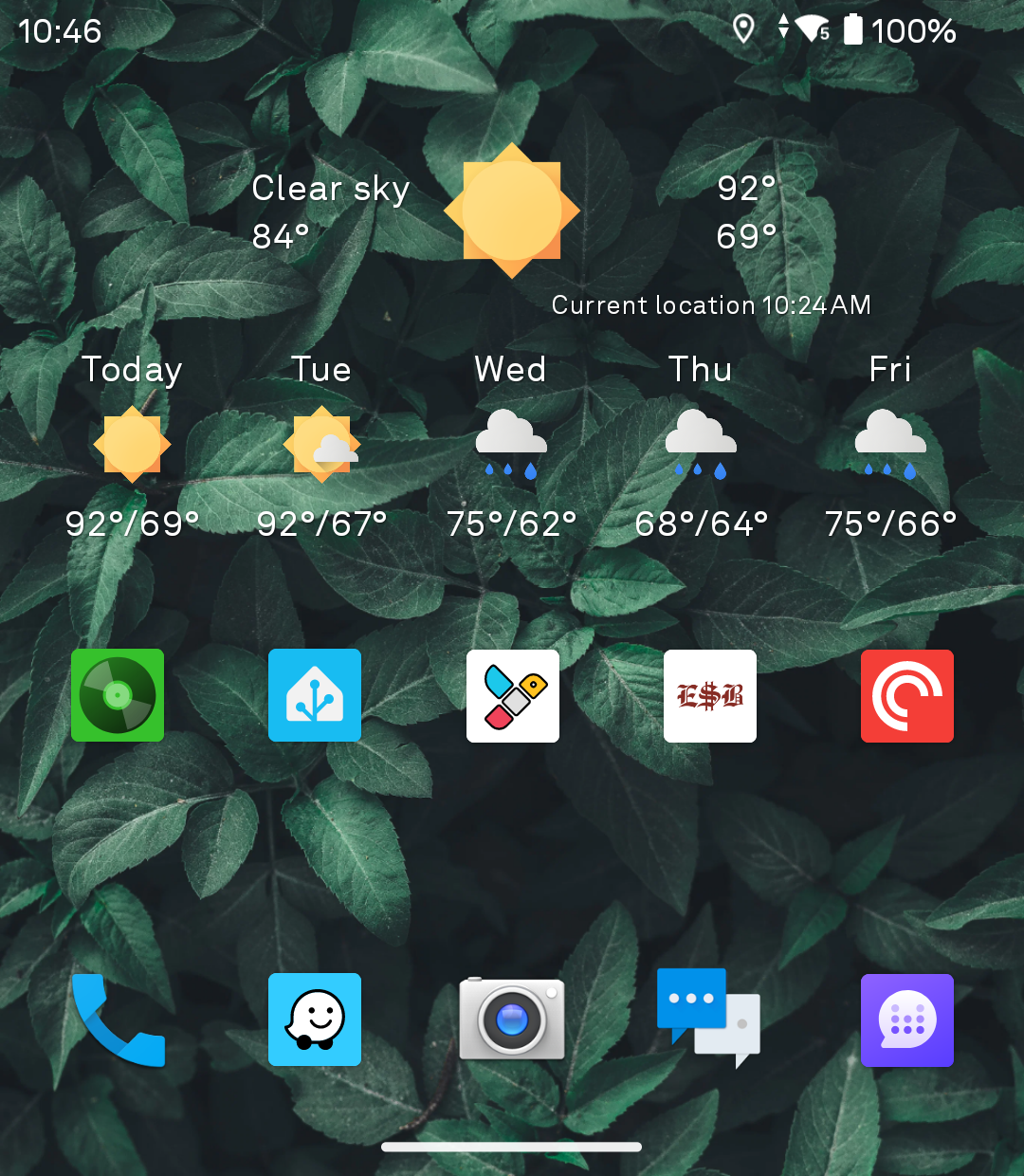
All and all, I end up with a bare bones Android phone that does just enough when I’m “unplugged” but intentional hobbled in a way to not allow distractions.
Once root is achieved, I may be able to shoehorn android auto on it with a combo of fake app stubs and forcing the aa app to system.
This will be my only phone on my upcoming vacation. I’m pretty excited.